NPS that knows your customers.
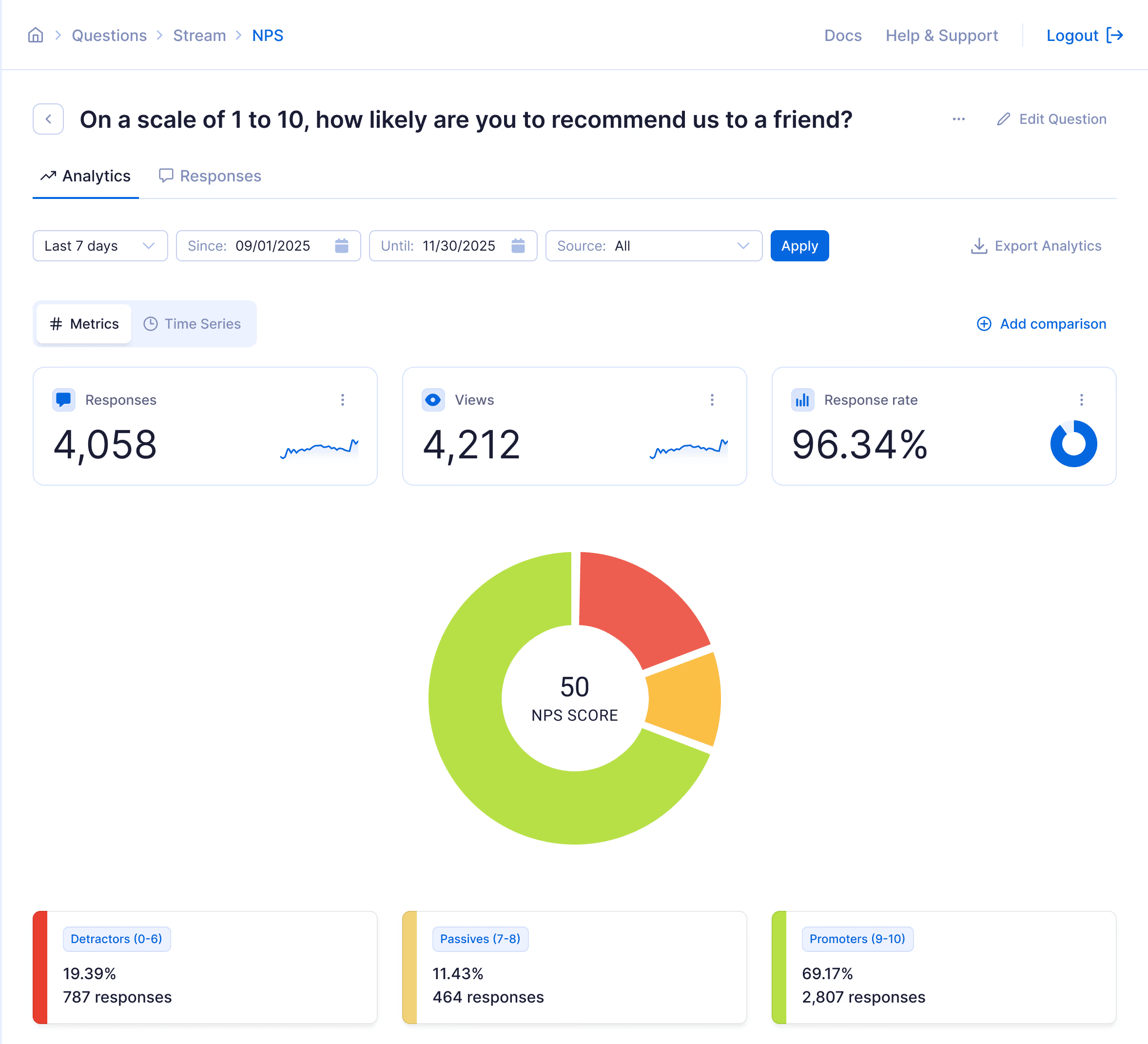
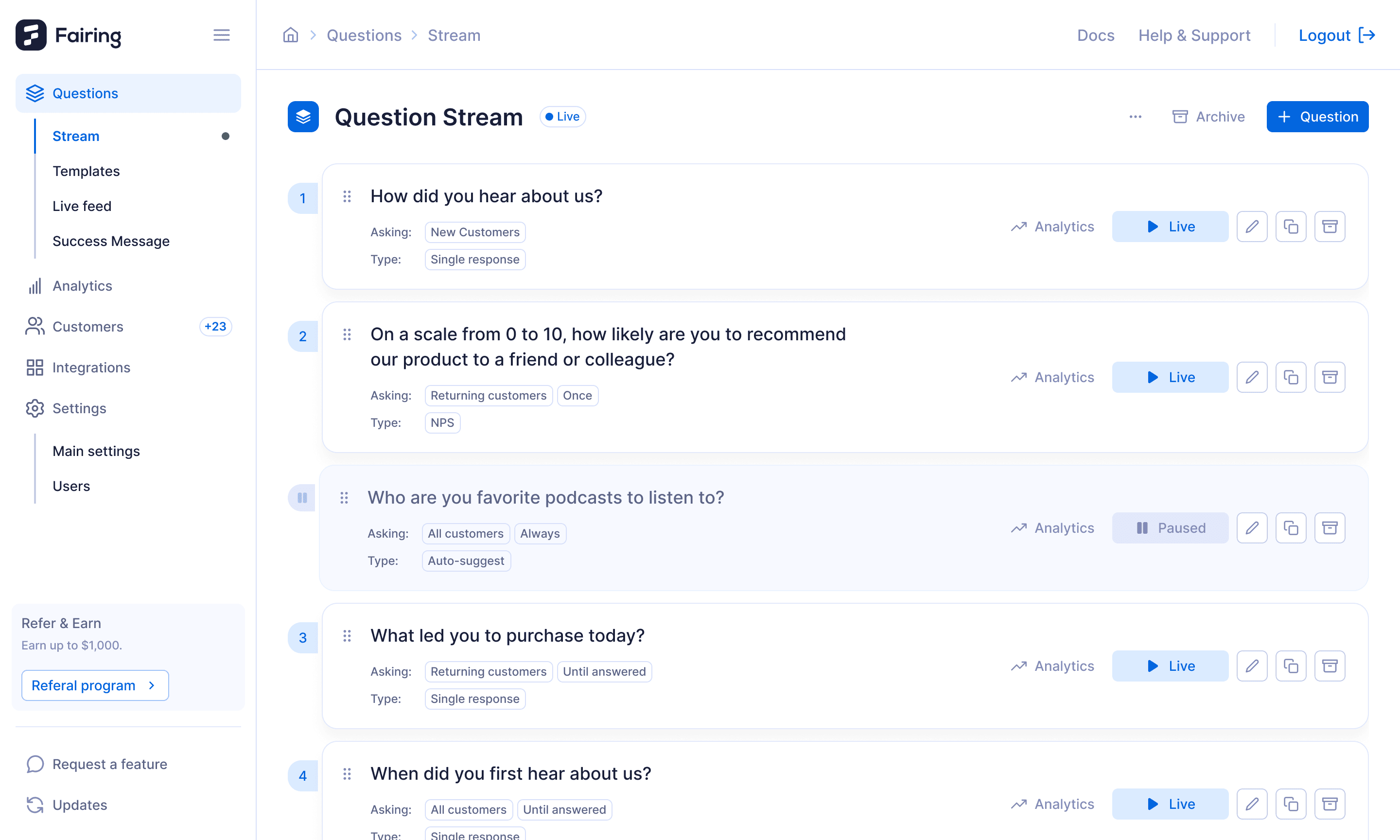
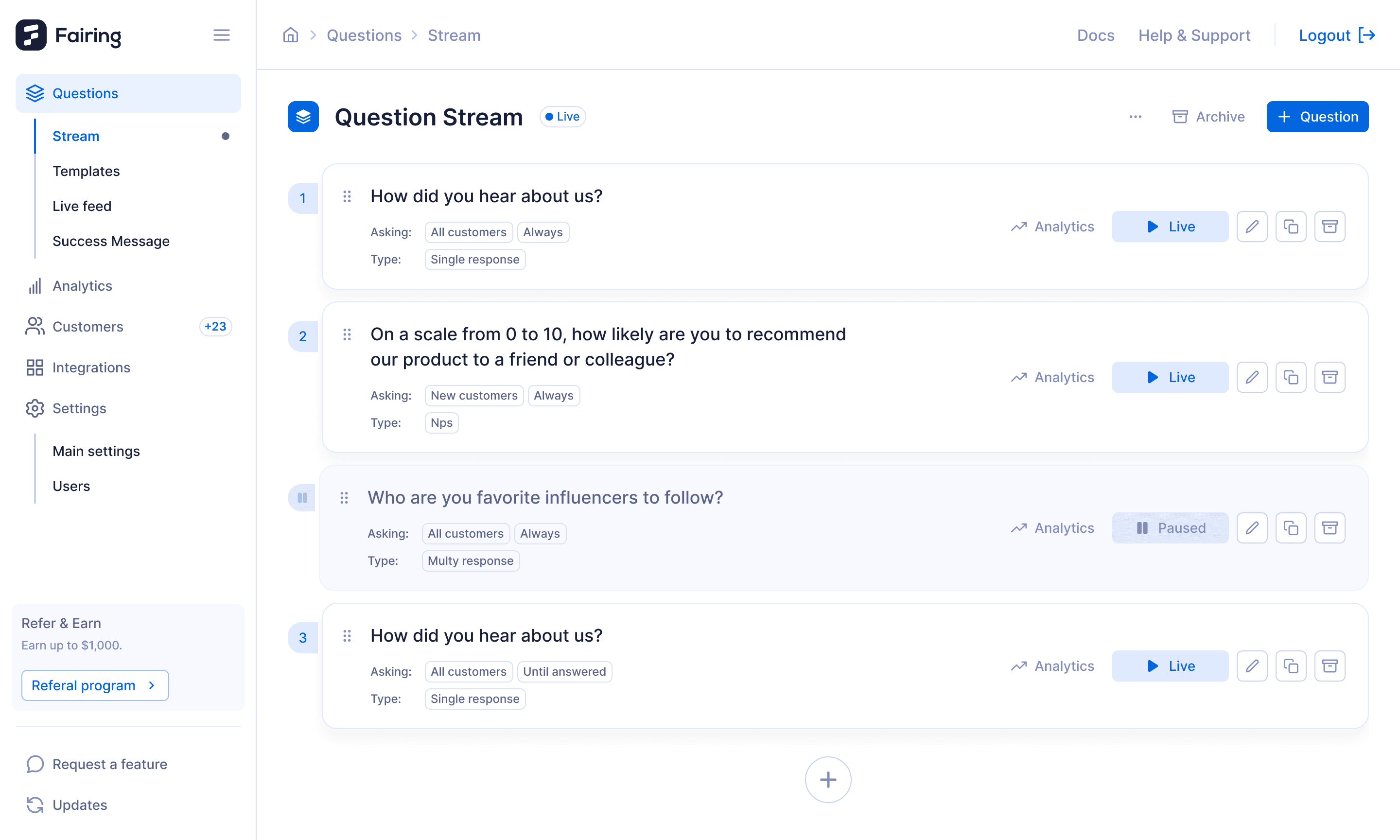
Send your NPS survey from Klaviyo or any ESP. Fairing hosts the page and powers the question, no page to build, no code to paste, and ties every score to the order, so you see who's a promoter, where they came from, and what they bought.


FAQs
How do I send an NPS survey with Klaviyo or my ESP?
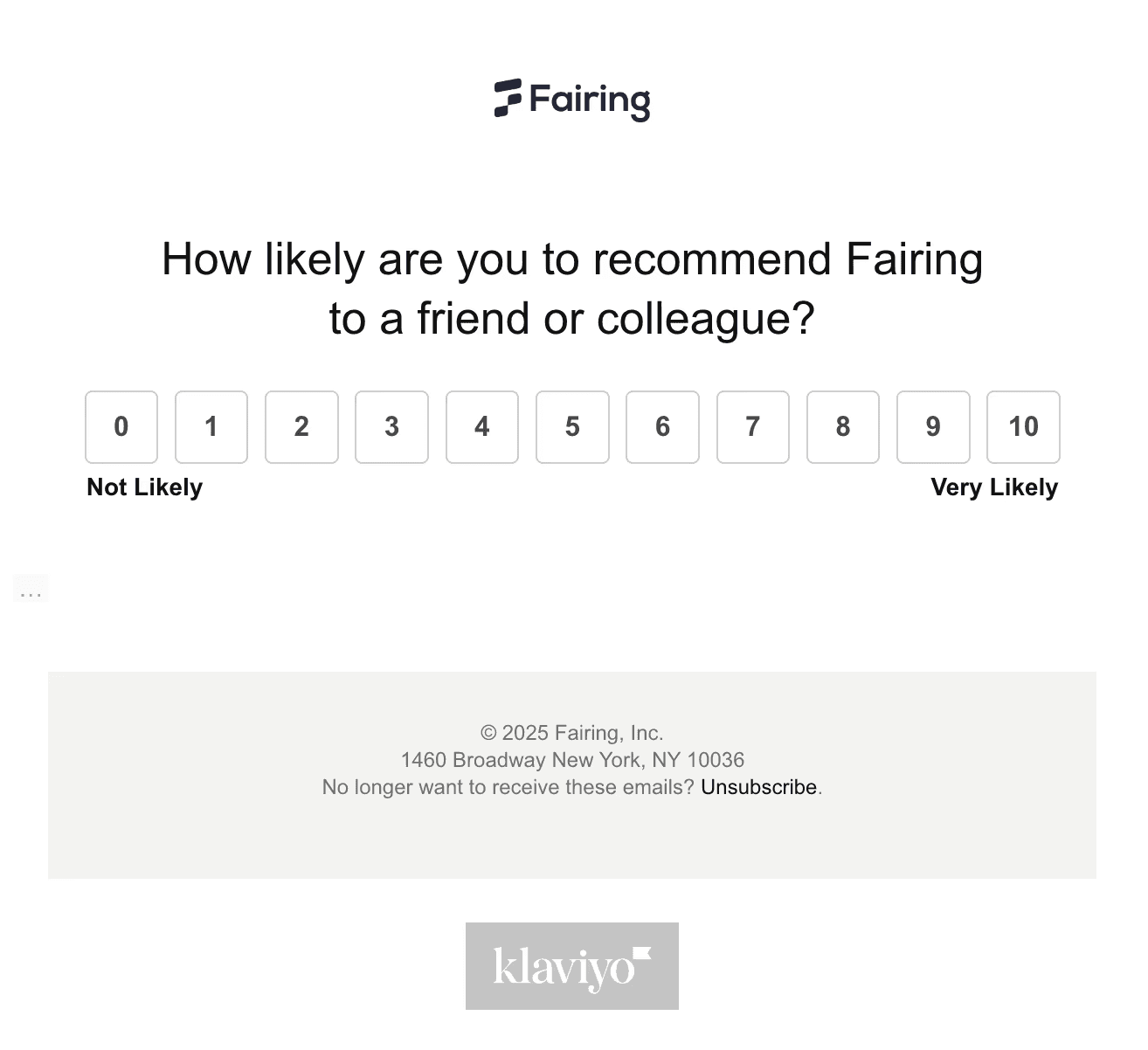
Send the email through Klaviyo (or any ESP you already use). Fairing generates a unique embed HTML template for you to drop into your email. When a customer clicks a score, their response is captured automatically and they’re taken to your branded Landing Page.
Where do customers complete the NPS survey?
Customers can submit their score directly in the email. After clicking, they’re redirected to your on-site Landing Page to answer follow-ups, complete additional post-purchase questions, or see your success message, all on your domain.
Do I need Shopify to use Fairing NPS?
No. Fairing NPS works anywhere you can host a survey page and link to it from your ESP.
Can I target NPS to specific customer segments?
Yes. Because you own the email flow, you can send NPS to any segments you define in your ESP.
Can I migrate from Delighted to Fairing?
Yes. You can import historical NPS data into Fairing to keep score continuity and consolidate insights. Reach out to support and we’ll help you migrate.
Does Fairing work with any ESP?
Yes. Fairing works with all ESPs, including Klaviyo, Braze, Listrak, and others. You control the email delivery; Fairing handles the NPS question, response capture, and analytics.
Is Fairing NPS included in my plan?
Yes. Fairing NPS is included in all Fairing plans at no additional cost.
Can I add follow-up questions after a customer selects an NPS score?
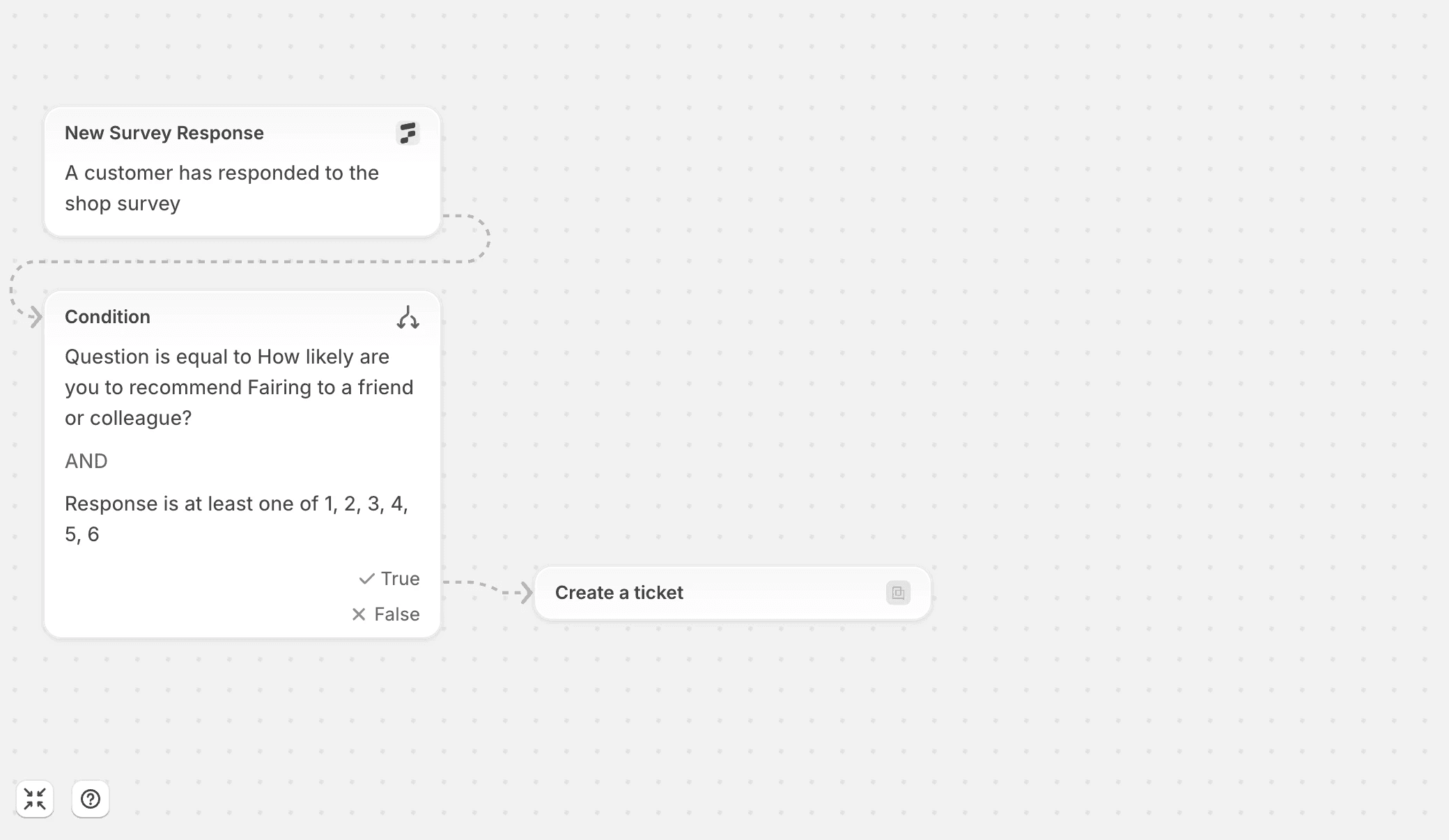
Yes. After a customer submits their score, you can ask a follow-up (tailored to the score selected) and also continue with any additional post-purchase questions not answered at checkout.
Can I control when customers receive NPS?
Yes. You control timing and audience entirely in your ESP flow (Klaviyo or any provider).
Do customers need to be logged in to respond?
No. Responses are tied to the order ID in the email link, so customers can respond without logging in while still connecting back to their order and customer data in Fairing Analytics.
Fairing vs.

NEW PRODUCT
Introducing Fairing MCP
Your survey data, agent ready. Connect Claude or ChatGPT and ask questions in plain English, answered from live responses.